





Modern JavaFX CSS theme collection with additional controls.
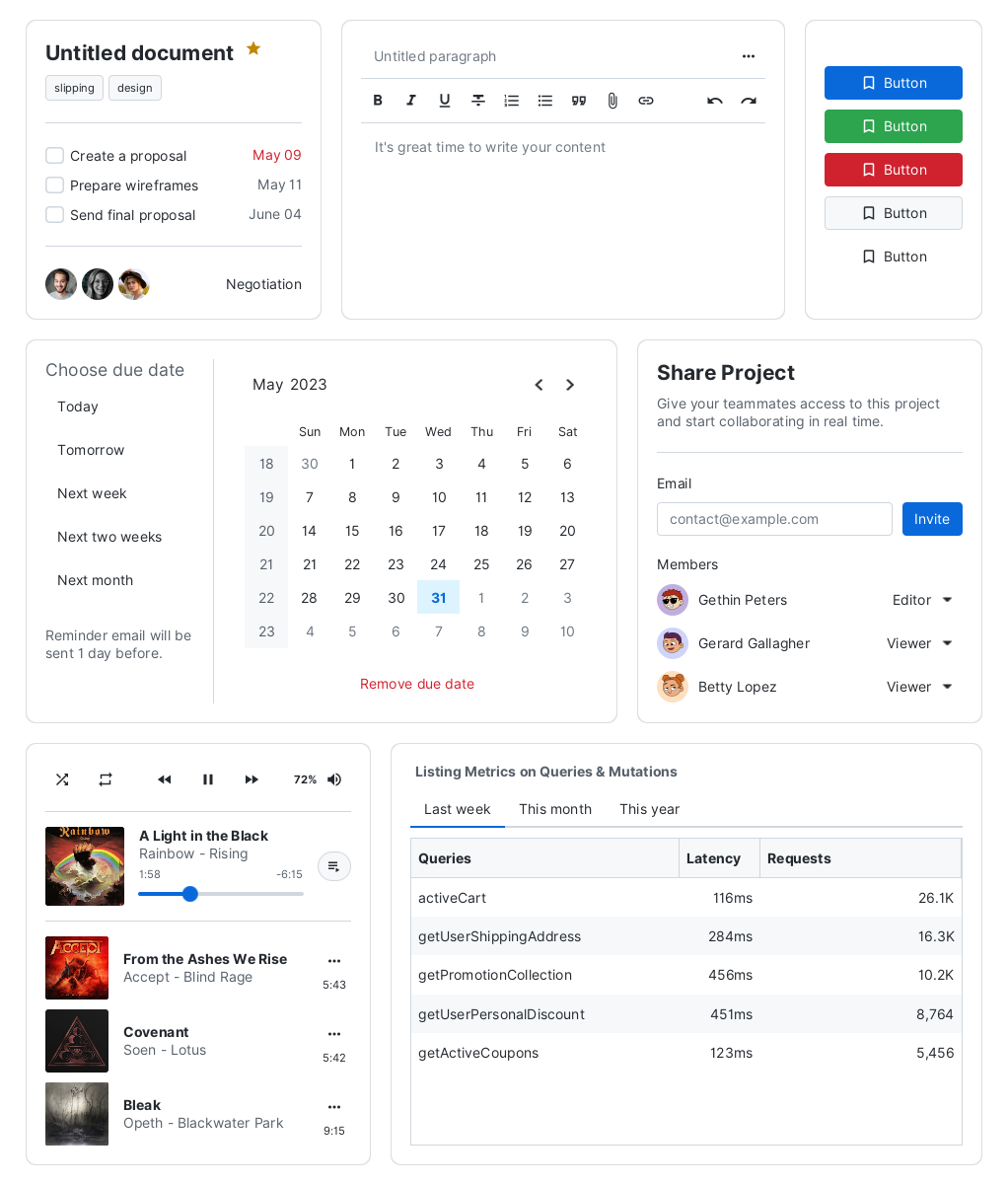
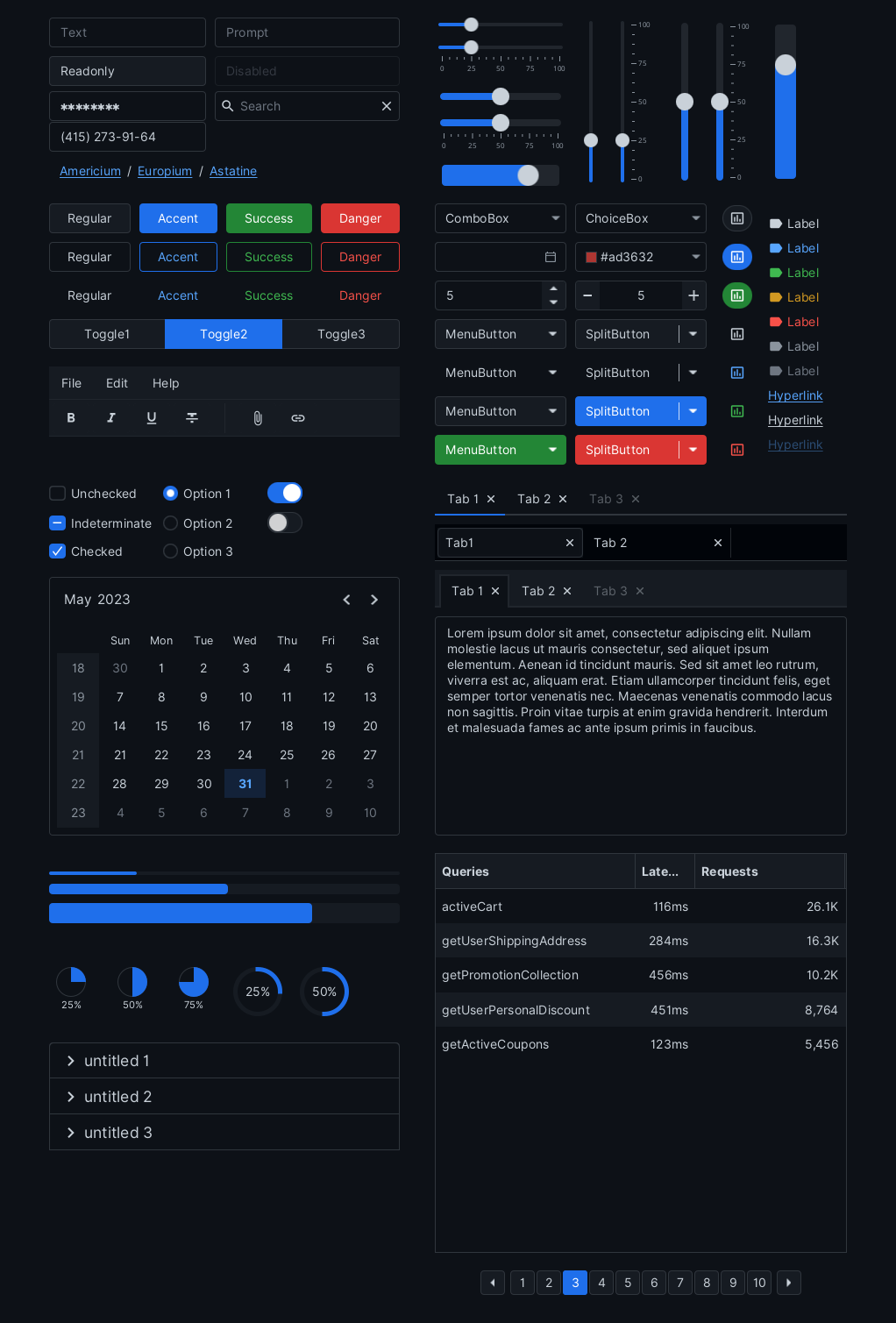
- Flat interface inspired by the variety of Web component frameworks.
- CSS first! It works with existing JavaFX controls.
- Multiple themes in both light and dark variants.
- Simple and intuitive color system.
- Fully customizable. Easily change global accent (brand) color or individual control via looked-up color variables.
- Written in modular SASS. No more digging in 3,500 lines of CSS code.
- Custom themes support. Compile your own theme from existing SASS sources.
- Additional controls for modern GUI development.
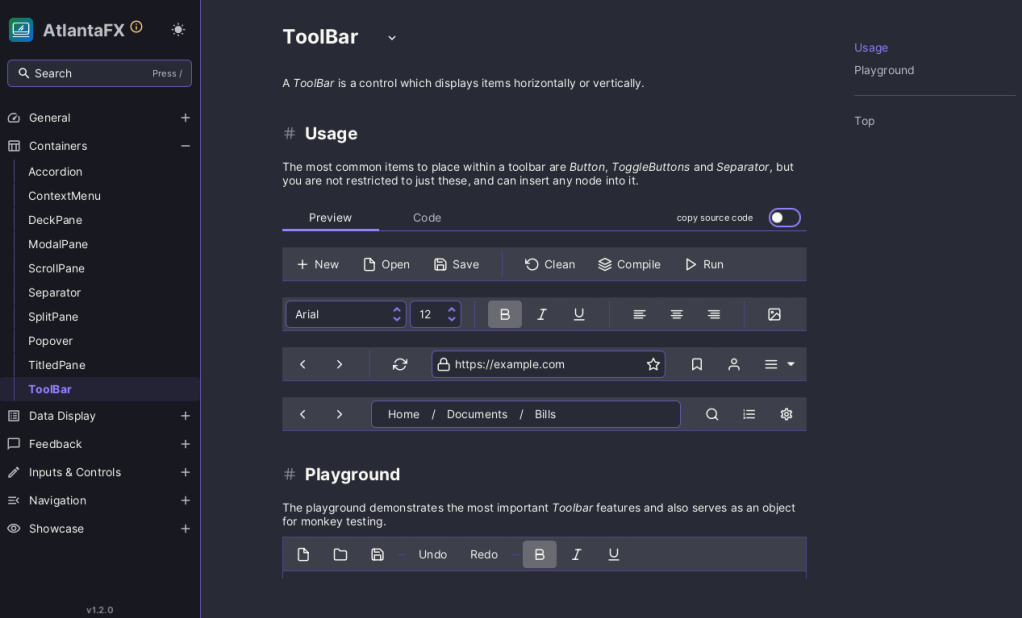
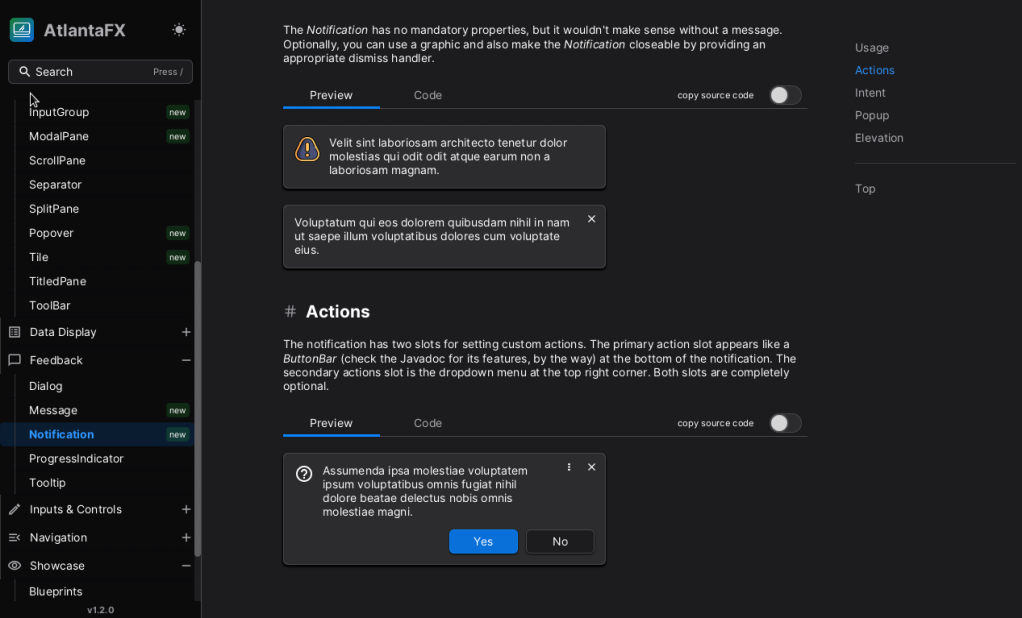
- Beautiful demo app:
- Preview all supported themes.
- Test every feature of each existing control and check source code directly in the app to learn how to implement it.
- Check color palette and modify theme color contrast.
- Hot reload. Play with control styles without restarting the whole app.
- Showcases to demonstrate real-world project usage.
- Custom window decorations support (aka JavaFX controls in the title bar).
- Fluent validation API designed for JavaFX applications.
- Scene Builder integration.
Requirements: Java 25+ and JavaFX 27+.
Maven:
<dependency>
    <groupId>io.github.mkpaz</groupId>
    <artifactId>atlantafx-base</artifactId>
    <version>3.0.0</version>
</dependency>
Gradle:
repositories {
    mavenCentral()
}

dependencies {
    implementation 'io.github.mkpaz:atlantafx-base:3.0.0'
}
Set a theme:
public class Launcher extends Application {

    public static void main(String[] args) {
        launch(args);
    }

    @Override
    public void start(Stage stage) {
        // find more themes in 'atlantafx.base.theme' package
        Application.setUserAgentStylesheet(new PrimerLight().getUserAgentStylesheet());

        // the rest of the code ...
    }
}
Or use the ThemeManager:
// set theme based on platform color scheme preference
// or pick theme from Java properties if run with -Datlantafx.theme=name
ThemeManager.useDefault()

// ... or set theme manually
ThemeManager.instance().setTheme(new PrimerLight())
If you use Maven you can quickly create a new project with AtlantaFX using the starter:
git clone https://github.com/mkpaz/atlantafx-maven-starter
If you don't want to use additional dependencies, you can download compiled CSS themes from the GitHub Releases. Unpack AtlantaFX-*-themes.zip and place it to your project's classpath.
Set CSS theme:
// specify the theme stylesheet URI directly:
Application.setUserAgentStylesheet(URI);

// ... or use a Java property:
-Djavafx.userAgentStylesheetUrl=[URI]
Refer to the relevant module documentation for more information about its usage.
- Base Controls and Themes
- Theming and Styles
- Decorations
- Validation Support
- Sampler Demo Application
- Scene Builder Plugin
- Custom Spins aka Loading Indicators
[!NOTE] Check CONTRIBUTING.md if you need more information about the project structure and build instructions.
Contributions are always welcome! Feel free to open an issue if you've found a bug or want to raise a question, or discuss a possible feature.
Please note that AtlantaFX is primarily a CSS theme library. Controls and skins support will probably grow over time, but creating another controls library is not the main goal.
Here are some areas where you can help the project:
- Fixing or reporting bugs. Please check the OpenJFX bug tracker first if the bug you're experiencing is not related to CSS or a custom AtlantaFX control.
- Adding or improving control samples, which help people learn more about existing controls. They also let us test how controls look and work with different themes.
- Adding or improving widget samples, which provide basic examples of how to implement some conventional UI components.
- Adding or improving app showcases, which demonstrate how AtlantaFX looks in the real world and help to find more areas for improvement.
- Improving docs, because good docs are the face of the project.
- Advertising the project.